2005
Co-founding PotomacBeads
I co-founded PotomacBeads. Running a bead company taught me how makers find ideas, choose colors, learn techniques, and turn materials into finished jewelry.
I’m Nathan Buchman, co-founder of PotomacBeads in 2005. Twenty+ years of working with beads and the people who use them shapes the software I’m building today. This becomes incredible value to users. And I like to call them "designers " instead of "users." Because that's what you are if you are reading this. You are a creative person with ideas just waiting for inspiration...
My background is in international business and technology. BeadApp brings that experience to jewelry design.
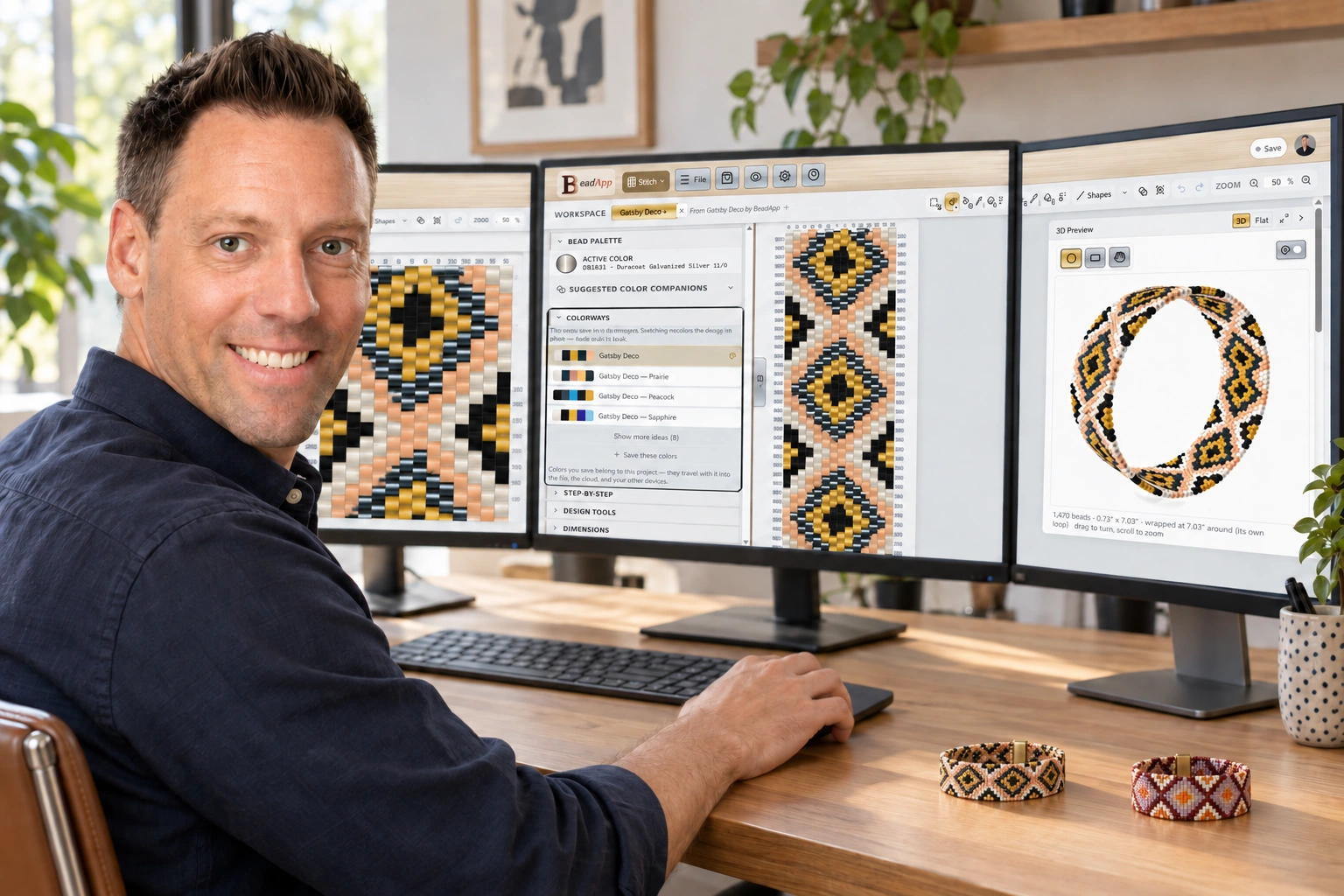
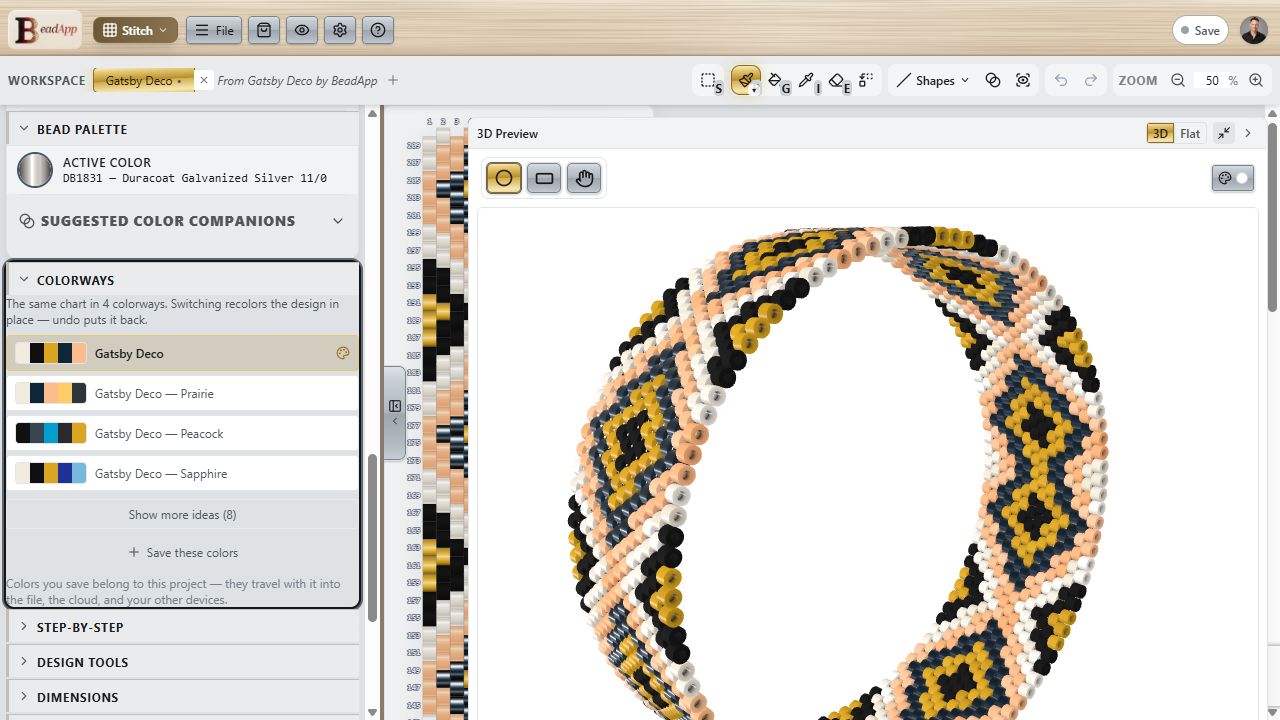
One of the biggest challenges in making your own jewelry is knowing where to start. How do you choose colors, pick a project, or begin designing something of your own? I wanted BeadApp to make those decisions easier and give people more ways to learn, experiment, and grow.
I co-founded PotomacBeads. Running a bead company taught me how makers find ideas, choose colors, learn techniques, and turn materials into finished jewelry.
Shortly after the App Store launched, we began tinkering with the ultimate beading app. The technology wasn’t ready, so we built the bead business, data, analytics, photography, tutorials, and systems that support BeadApp today.
I started building the data side directly. Industry leaders gave us permission to include trusted resources. Russ Nobbs of Rings & Things let us bring the gemstone encyclopedia into the app, alongside our YouTube tutorials.
We got quite far with the first BeadApp. But the technology still couldn’t make the full idea useful or cost effective.
I focused on deep technology and data integration, blending the content, patterns, photography, and product knowledge we had built over the years. This is the data BeadApp is built upon: a practical understanding of bead design, products, collecting, and the experience of making jewelry.
I spent much of these two years building e-commerce software. That work helped clarify how designs could connect to product data, learning, ideas, and the materials behind them.
Modern browser graphics, cloud systems, 3D rendering, and faster development tools finally made the broader idea practical.
I left Potomax Brands to build BeadApp full time. It is an independent company, separate from PotomacBeads and Potomax Brands.
My goal is comprehensive jewelry-making software that helps experienced professionals and first-time designers get from an idea to something they can make.
BeadApp connects the pattern to the practical decisions: colors, proportions, bead counts, and the next step at your mat.
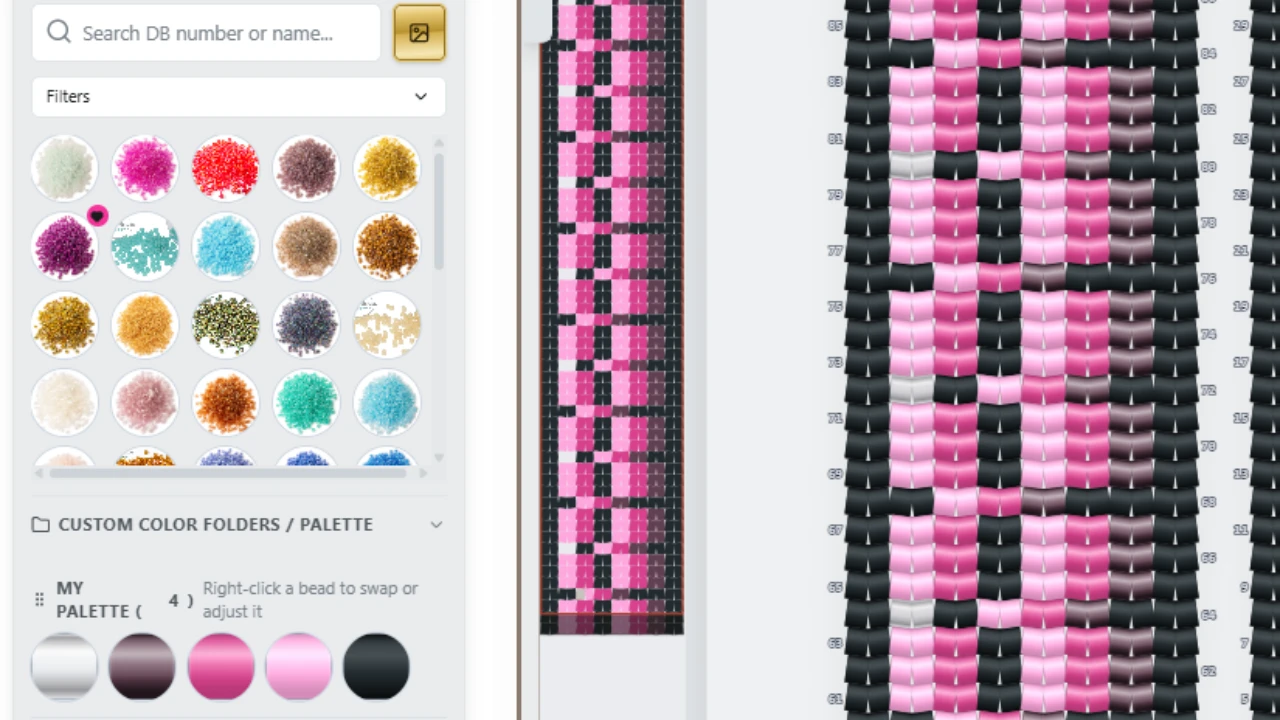
Start with a pattern, an image, a smart template, or a stitch-aware grid. Change the design as you go.
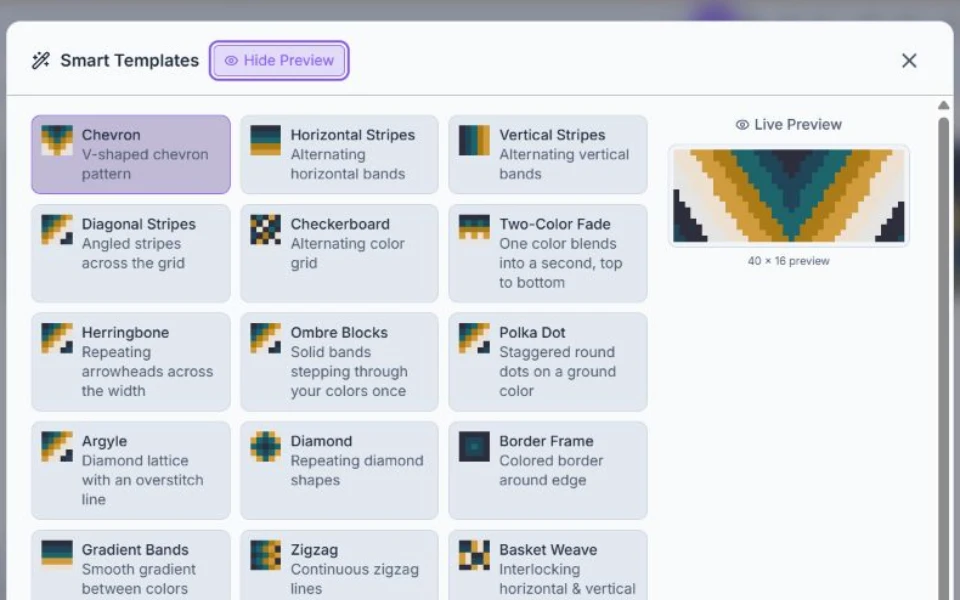
Browse the included pattern library, then make a design your own. Or begin with a smart template and adapt it to your palette.
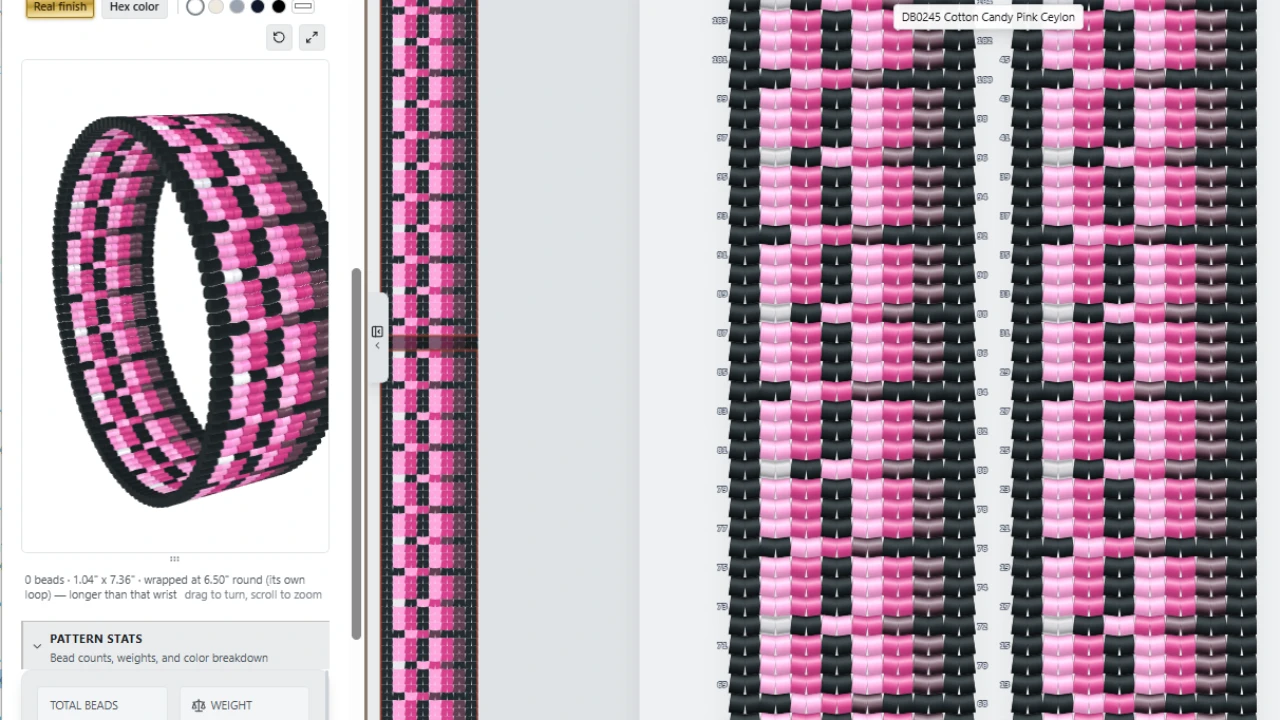
Inspect supported designs before deciding how to make them.
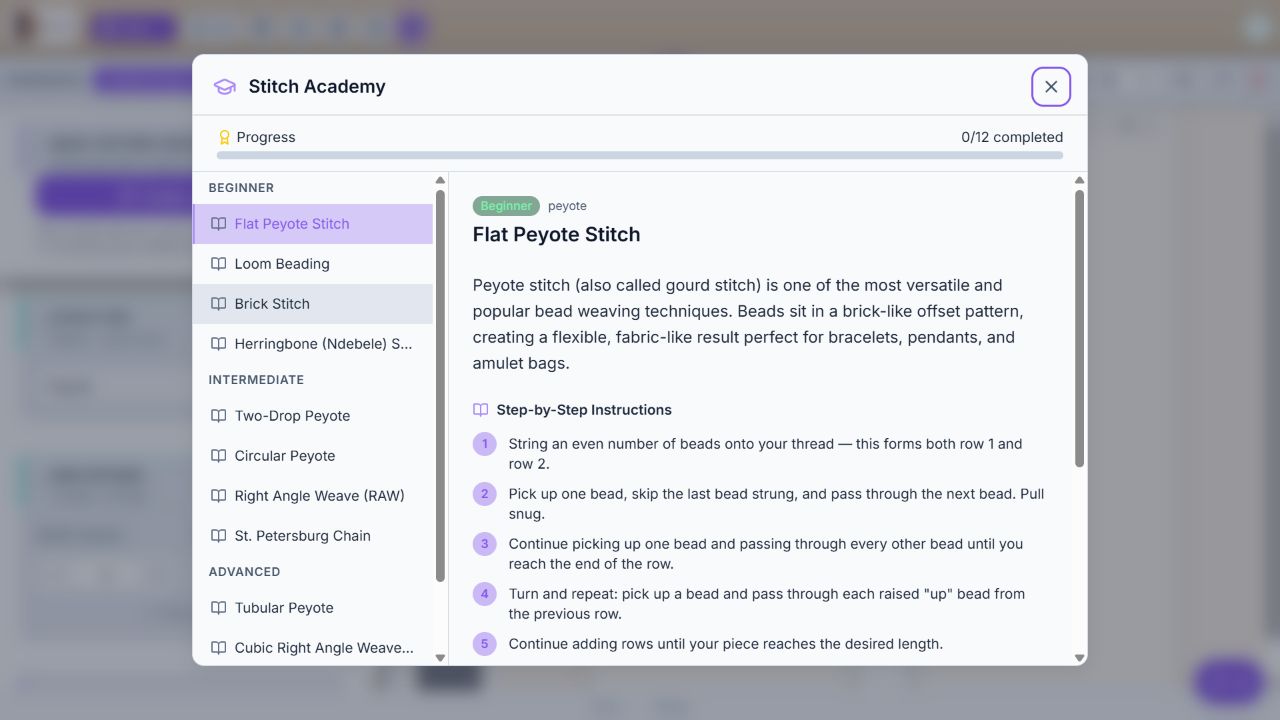
Use stitch-specific guidance while you work on the design.
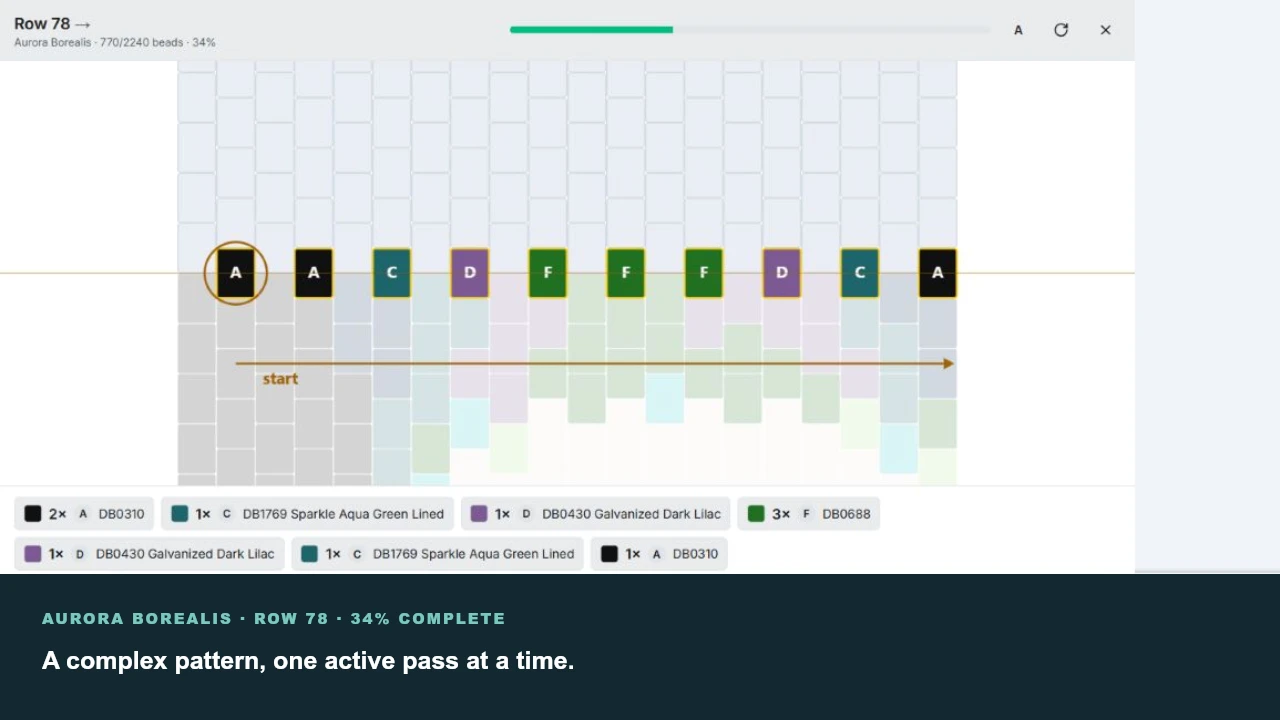
Follow the bead order, keep your place, and use on-screen instructions or a printed pattern.
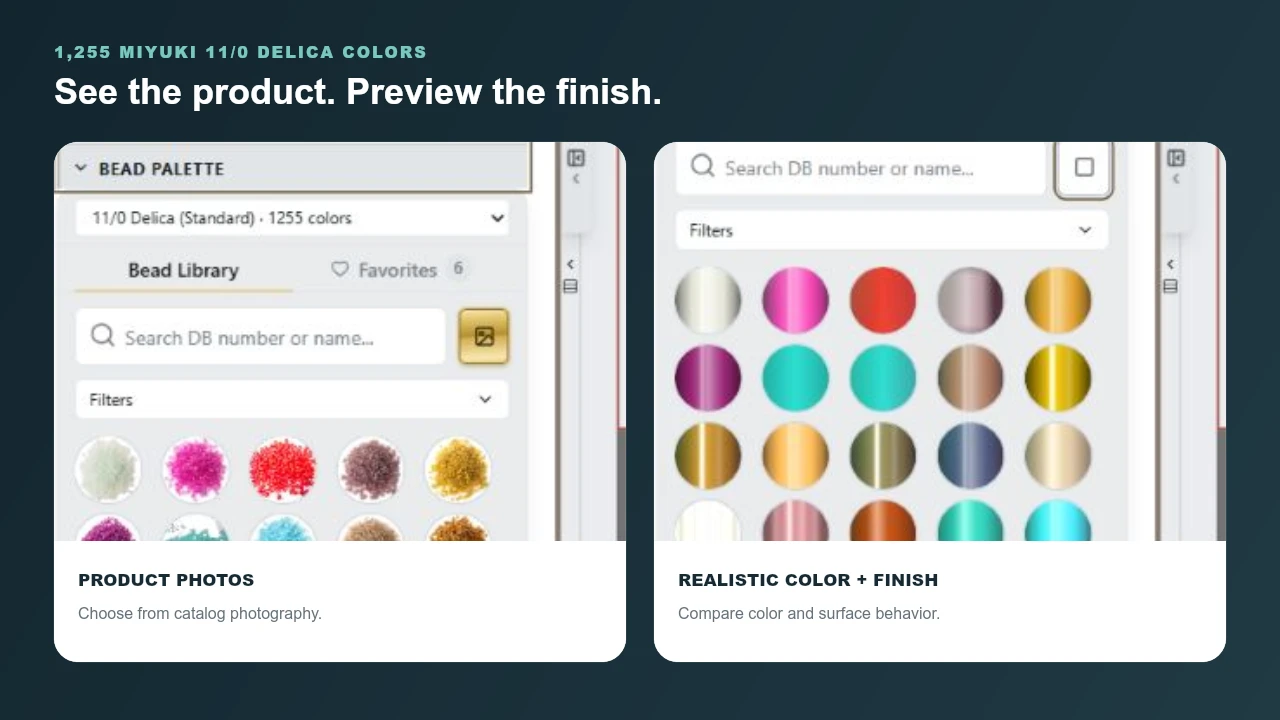
Compare real bead colors and finishes, then use your pattern’s bead counts and dimensions to plan what you need.
The useful part is the detail: bead measurements, product images, colors, finishes, and how people actually use the materials.
20 years of product knowledge. Detailed bead records, measurements, photography, data, and analytics built while running a bead business.
Real colors and finishes. Bead libraries backed by product information and years of helping makers choose materials and colors.
3,000 video tutorials. 800+ PDF patterns. A foundation of techniques, project instructions, and detailed knowledge of how beadwork is made.
The larger idea is a connected community where people discover ideas, find materials, and share or sell their patterns. Some of that is here. The rest is still being built.
The longer-term visionOpen the studio, choose a design, and try changing a few beads.